%201%20(1).png)
Motion in UX
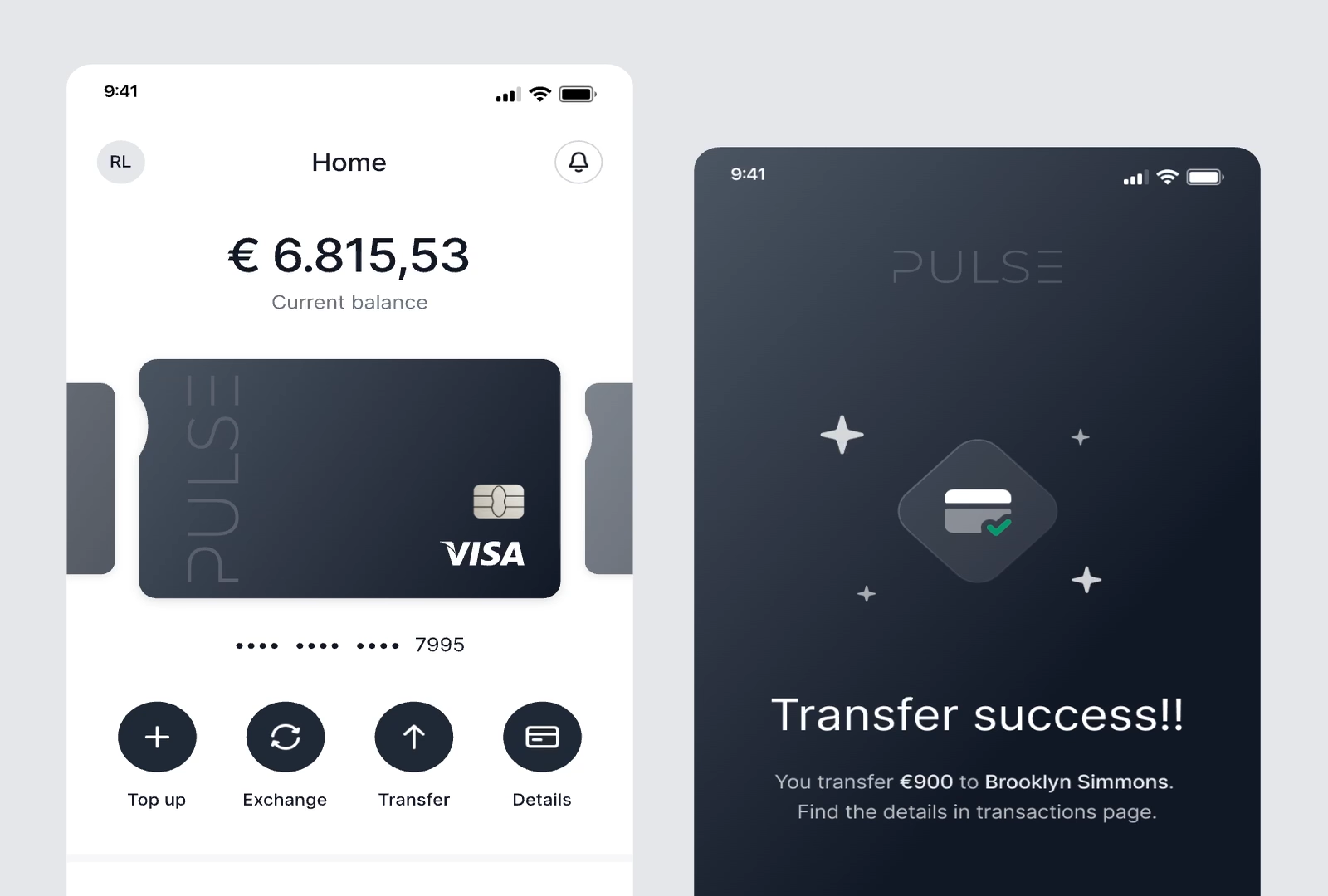
Motion plays a significant role in enhancing user experience by bringing static interfaces to life, making users feel more engaged when using a product. We can see this from the growing use of animation across many websites and apps today.
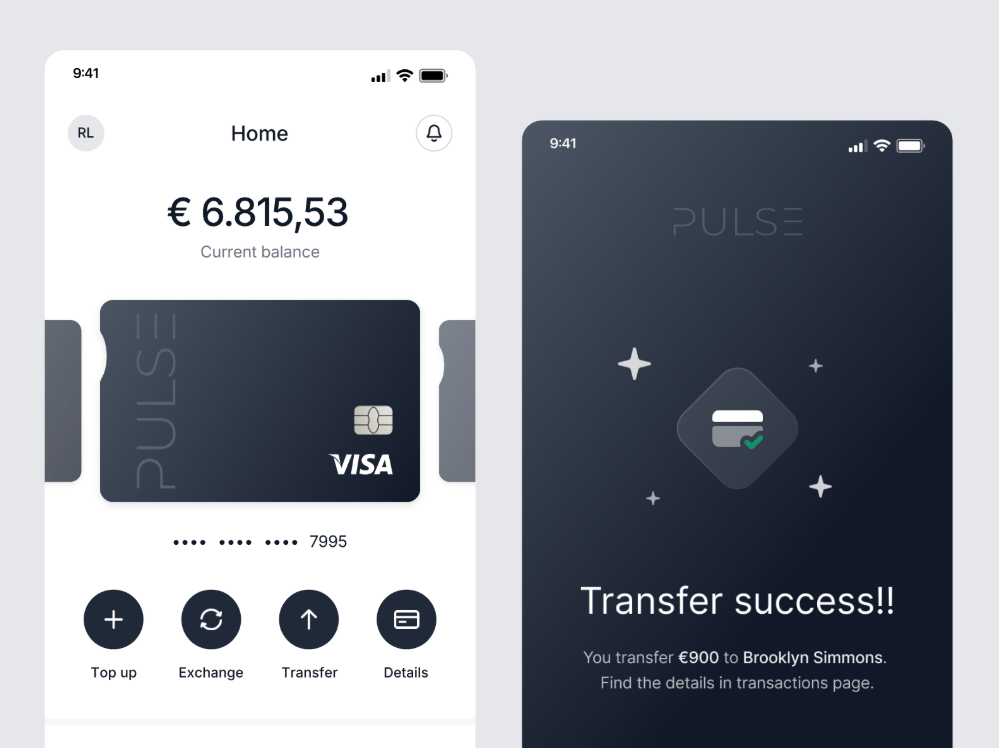
What is Motion?
Motion is defined as the change in position or shape of an object over a period of time. In UX design, motion refers to the use of animation to explain state changes and guide the user journey.
There are several types of motion commonly used in interfaces:
- Micro-interaction: Short animations that respond to user actions, such as tapping a button or performing a swipe gesture.
- Transition: Visual changes between pages or UI states that help users understand context and content flow.
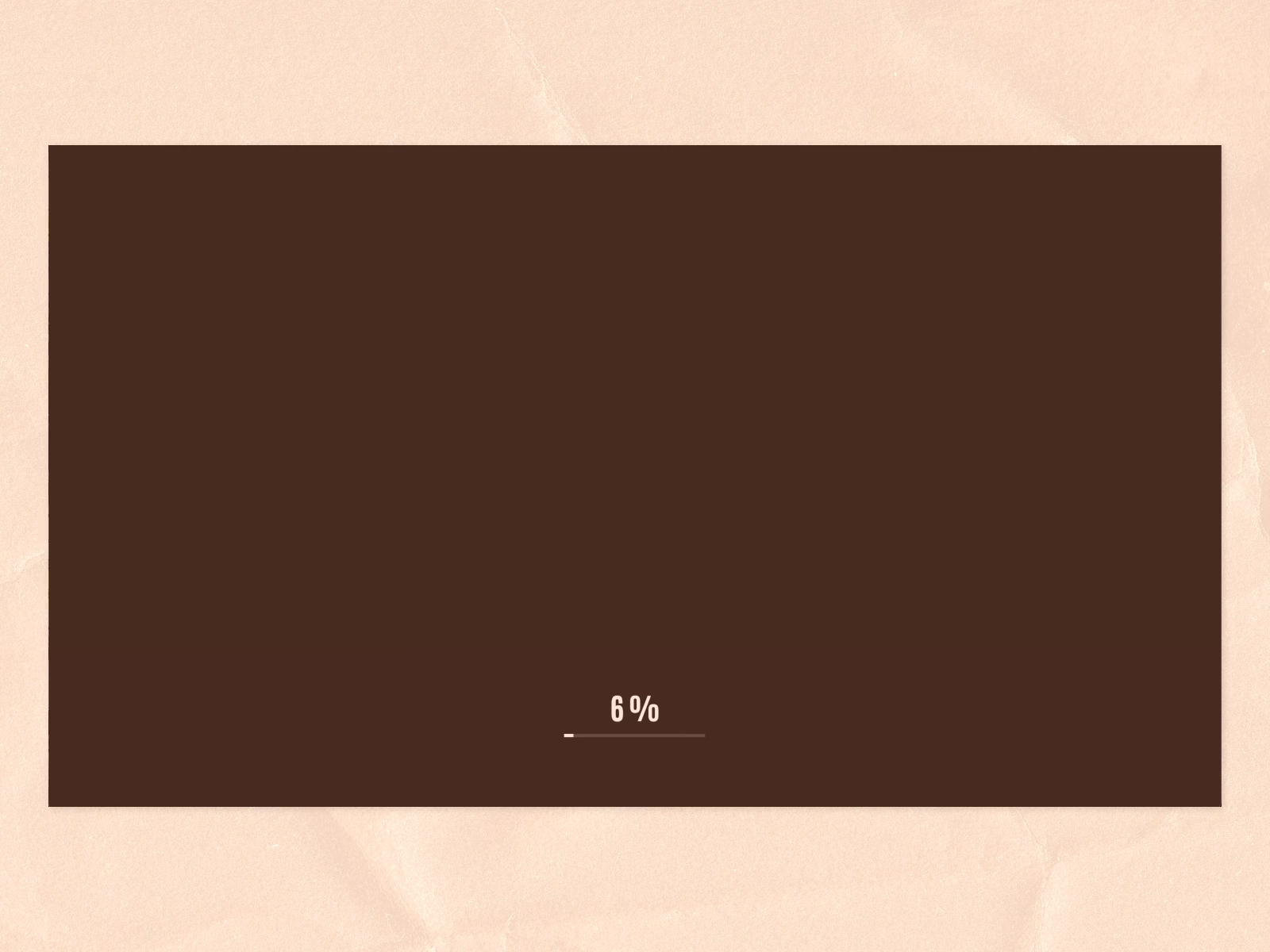
- Loading animation: Animations that indicate progress and help maintain user attention while content is being processed.
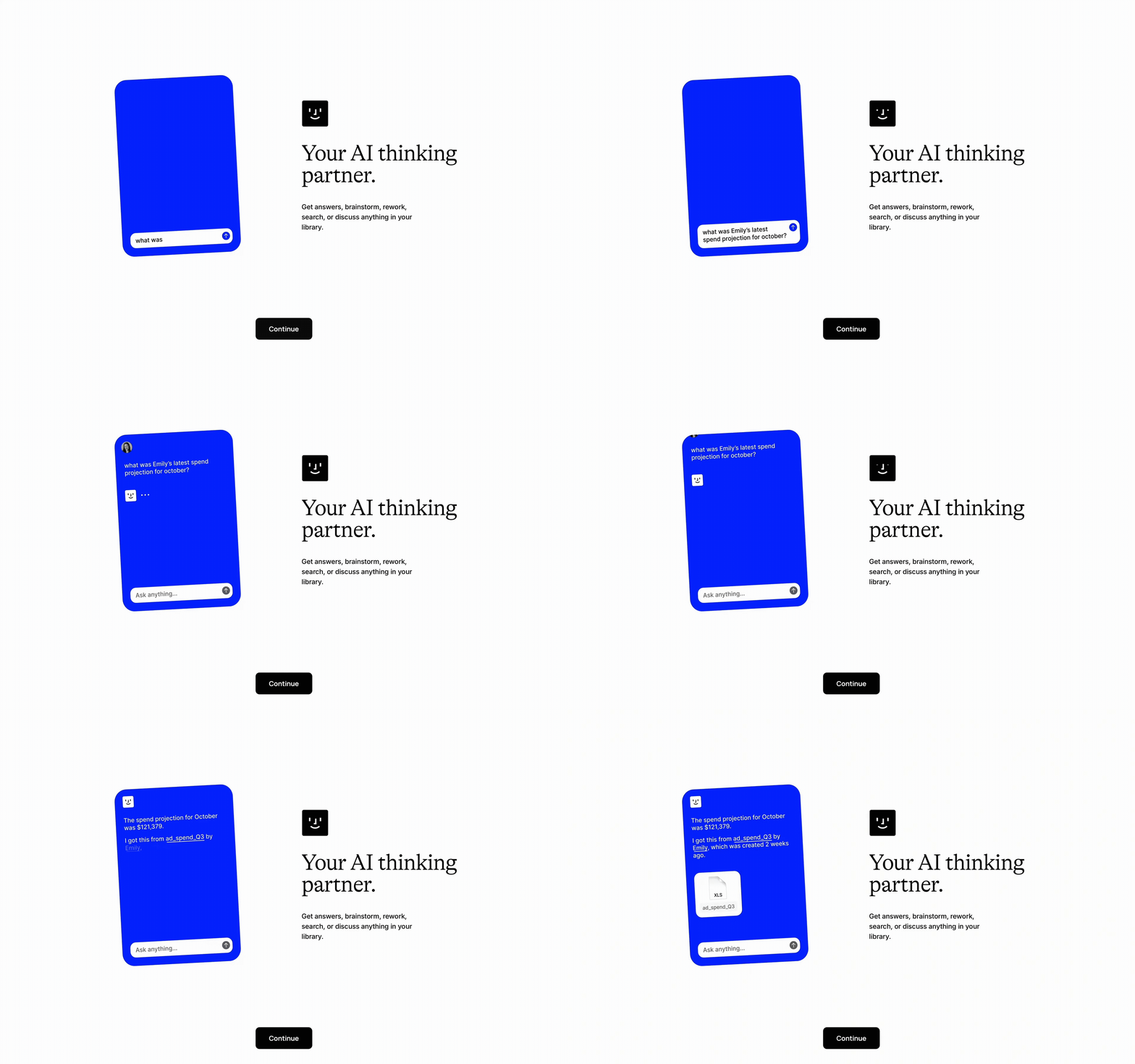
- Animated illustration: Attention-grabbing animations that guide users to important information or help them understand the system status.
- Scrolling animation: Animations that triggered by scrolling to reveal content, create depth, and enhance the storytelling experience.
Why Motion Matters?
Motion plays a crucial role in user experience because it helps designers communicate how the system works and how users can interact with it. Well-implemented motion smooths transitions between states or pages, making changes easier to follow. By providing immediate feedback to user actions, motion reassures users that the system is responsive and confirms whether their actions were successful.

Beyond functionality, animation can also introduce personality and emotion into a product. Thoughtfully designed motion reflects the brand’s identity and values, creating a memorable experience that helps distinguish the product from others.
When Should Use Motion?
The main purpose of motion is to enhance usability and visual appeal. We can consider applying motion design for the following goals:
- Enhance User Experience
Use motion to make interactions feel smooth and enjoyable. For example, subtle hover transitions that make the interface feel more responsive. - Guide User Journey
Motion can act as a visual cue to direct users through the intended journey. For instance, onboarding animations that highlight key features when users first open the app. - Provide Real-Time Feedback
Use animation to respond instantly to user actions. For example, showing a loading indicator after a button is pressed helps users understand the system is processing their request. - Build an Emotional Connection
Motion can add personality and emotion to the product. For example, a fun animation after a task is completed creates a positive and rewarding experience. - Strengthen Brand Identity
Consistent motion that reflects the brand’s characteristics reinforces the overall brand message. For example, smooth and graceful movement can communicate a premium and professional brand.
How to Design Motion Effectively
Motion should not be added carelessly, as poorly designed movement can negatively impact the user experience. There are three key aspects to consider: purpose, timing, and consistency.
Every animated element must serve a clear function. If motion feels unnecessary or slows down interactions, users may become frustrated because the time they spend does not match the value they gain.
Timing helps to shape the tone and emotional impact of the interaction. Meanwhile, consistency ensures the interface feels cohesive and well-designed, reinforcing a strong and positive brand perception.
Conclusion
Motion is not just decoration. When used with a clear purpose, it can help improve the user experience and strengthen brand identity. With thoughtful implementation, motion can play a key role in making a product feel alive, intuitive to understand, and enjoyable to use.
Video

Our awards & recognitions.













Ready to discuss your project with us?
Chat with Us