%201%20(1).png)
Zero UI: The Era of Zero Interface Design
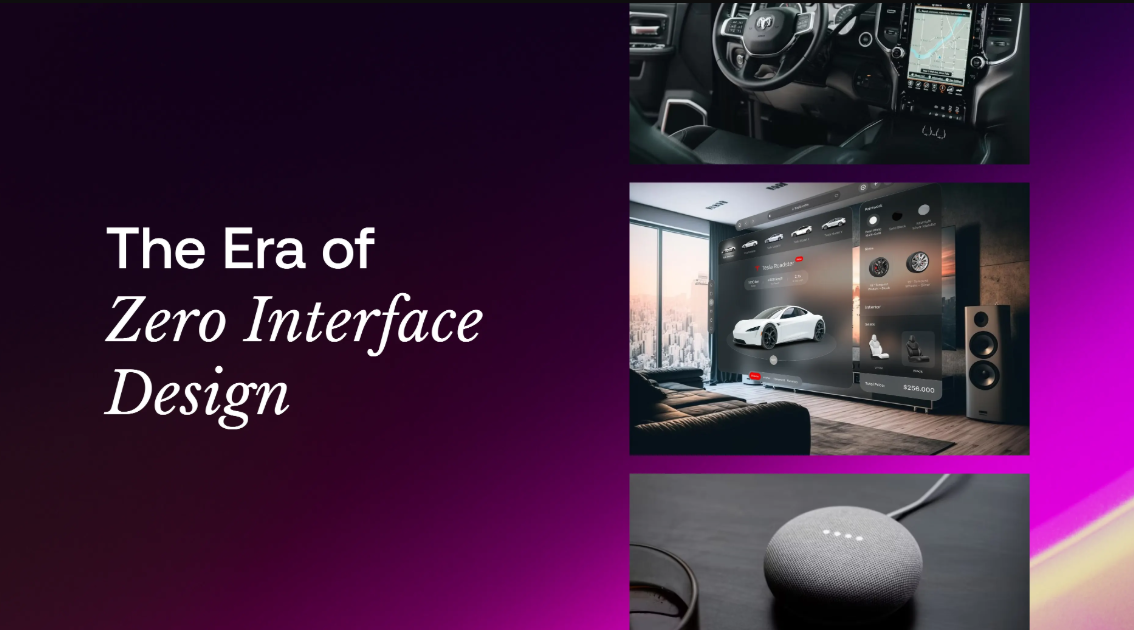
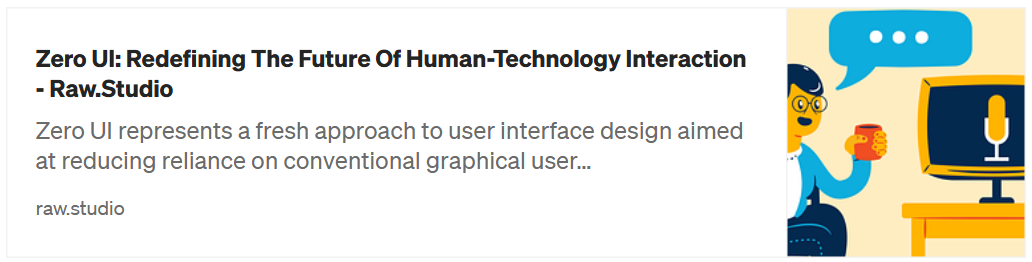
Have you ever imagined interacting with technology without touching the screen at all? Today we’ll be looking at how Zero UI is changing the way we interact with the devices around us.
What is Zero UI?
Zero UI is a design approach that removes traditional graphical elements and replaces them with voice, gesture, and sensor-based interactions. Example
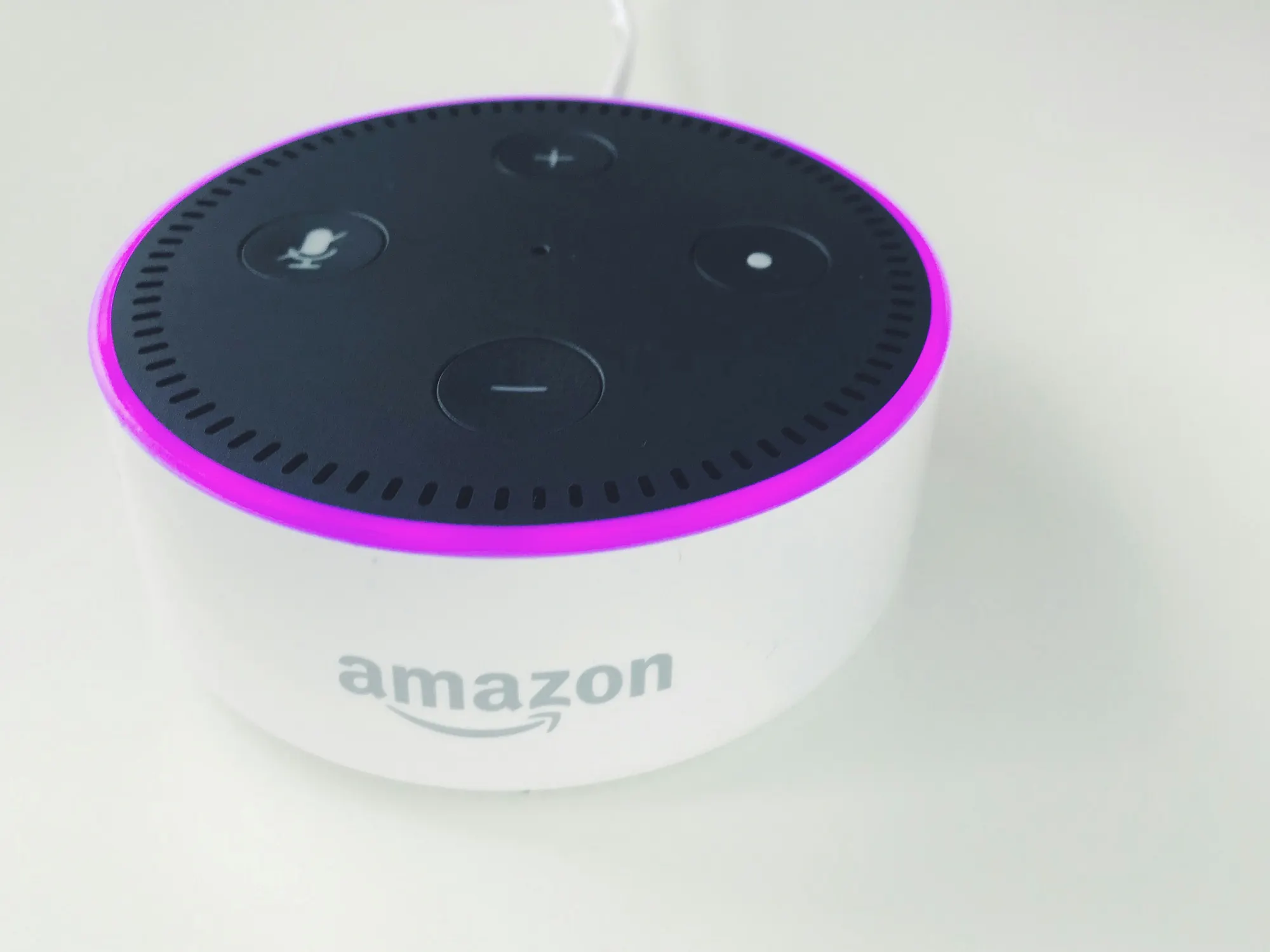
- Google Home and Amazon Alexa that operate by voice.
- An autonomous car that uses gesture control and voice command.
Press enter or click to view image in full size
From GUI to Gesture Interface
In the past, we were used to Graphical User Interface (GUI), where we interact with computers through screens, buttons and icons. Then, it evolved into Voice User Interface (VUI) that allows us to communicate with technology through voice, such as Siri or Alexa.
Now, we are entering the era of Zero UI, where interactions can be done through voice, gestures, sensors, or even without the need for direct input. This is no longer a futuristic concept — it’s something we’re already starting to experience.
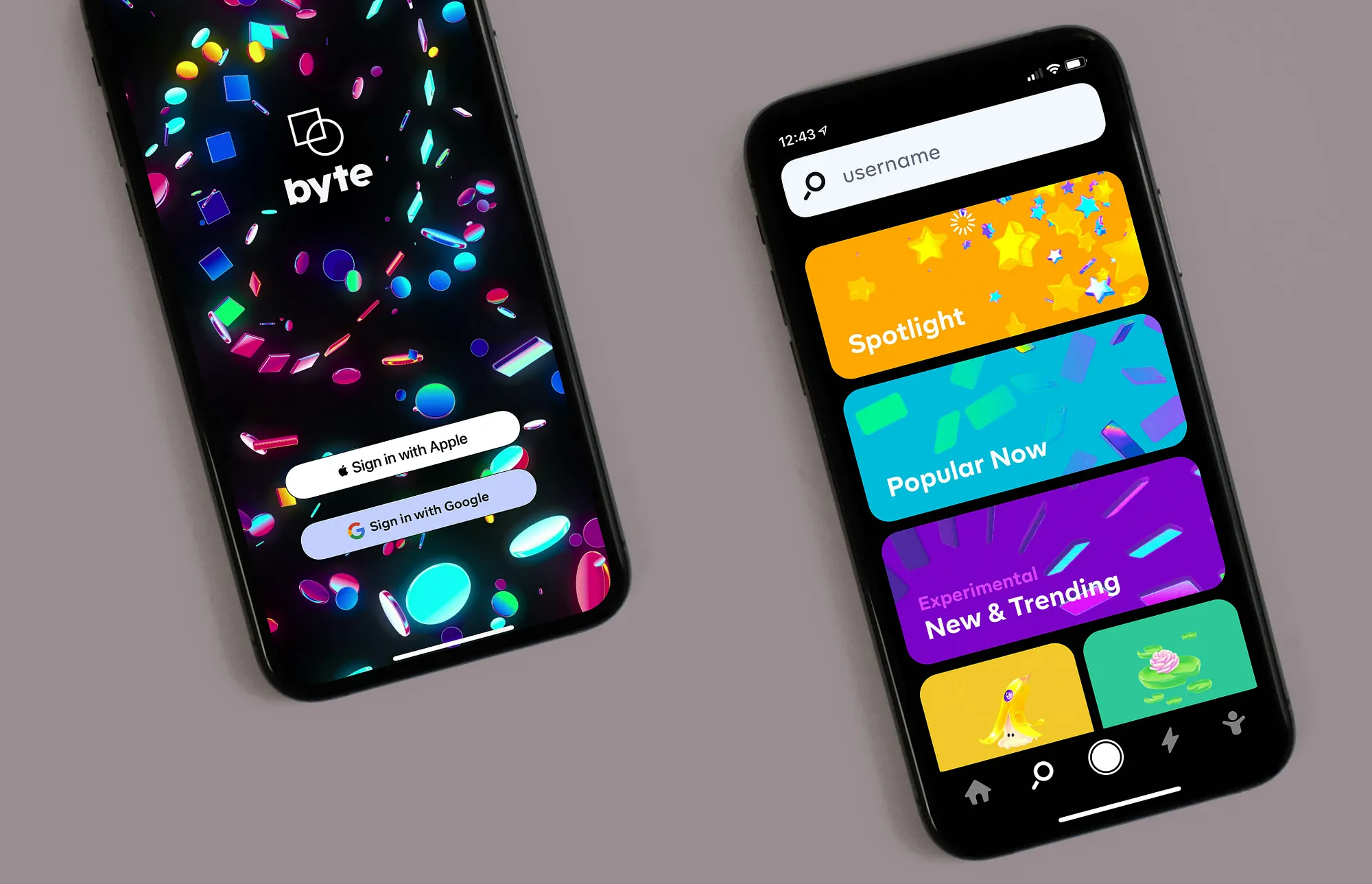
- Graphical User InterfaceIt is a traditional interface using visible buttons, icons, and menus. Examples: Mobile apps, websites, and desktop devices.
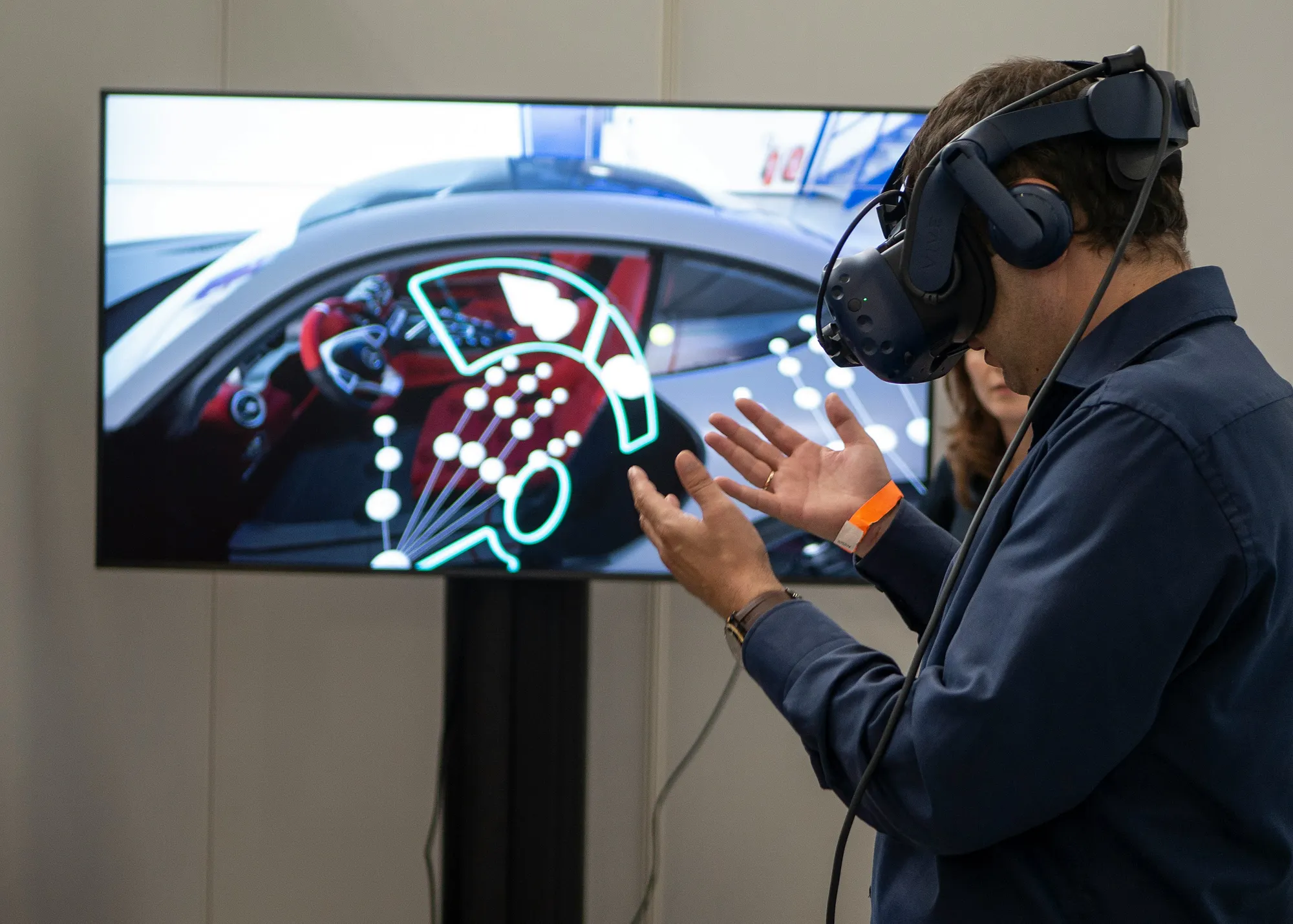
- Gesture InterfaceIt is control through hand or body movements without touching the screen. Examples Motion sensors on game consoles (Nintendo Wii, Xbox Kinect), or gesture control on smart TVs).

Components in Zero UI
Zero UI relies on various technologies to create more natural and intuitive interactions without relying on traditional visual elements. Some examples of components in Zero UI are as follows
- Voice Interaction
Voice-based interactions that are increasingly sophisticated with AI NLP (Natural Language Processing) support. Example: Smart speakers (Google Home, Alexa). - Gesture Control
Uses a camera or motion sensor to recognise hand or body gestures. Example: Gestures on smart TVs or VR/AR devices. - Sensors and IoT (Internet of Things)
Devices that respond to environmental context without direct user input. Example: Smart lights that switch on when there is movement.
Zero UI in UX Design
In UX design, Zero UI demands a different approach from traditional screen-based design. The main focus is on creating an experience that is intuitive, predictive, and contextual, so that users can interact with technology without having to think too much or use visual interfaces. Some key principles in UX design for Zero UI include:
- Predictive Design
The system must be able to understand the user’s needs before they take action. Example: A smart home that automatically adjusts the room temperature based on the user’s habits. - Contextual Awareness
The device should be able to respond to the environment and user behaviour without explicit instructions. Example: A smart car that adjusts the dashboard lighting according to the time of day and weather conditions. - Seamless Interaction
The experience should feel natural and seamless, using voice, gestures, or even no input at all.
Keynote for Designers in Zero UI
As designers, our role in the Zero UI era is not just to create attractive interfaces, but to design seamless and natural experiences without dependence on the screen. There are some key principles that we should adapt in designing Zero UI-based systems:
- Adapt to Technology
As designers, we must understand AI, IoT, sensors, VUI, and gesture control to create intuitive interactions. It is important to consider the user’s context, such as their environment, time of day, and habits to make the interaction feel more personalized. - Human-Centered Design & Accessibility
Zero UI design should be inclusive-easy to access for everyone, including those with physical limitations. Example: A voice assistant that can understand different accents and languages to reach more users. - Security & Privacy as a Priority
In voice and sensor-based interactions, make sure the design considers user data privacy and transparency in the use of AI.
Conclusion
Zero UI is changing the way we think about design, moving away from screens and buttons to create interactions that feel more human. It’s an exciting shift that makes technology simpler, more accessible and almost invisible. In a future without screens, technology will no longer feel like a tool, but more like a part of our lives.
Reference



Our awards & recognitions.













Ready to discuss your project with us?
Chat with Us